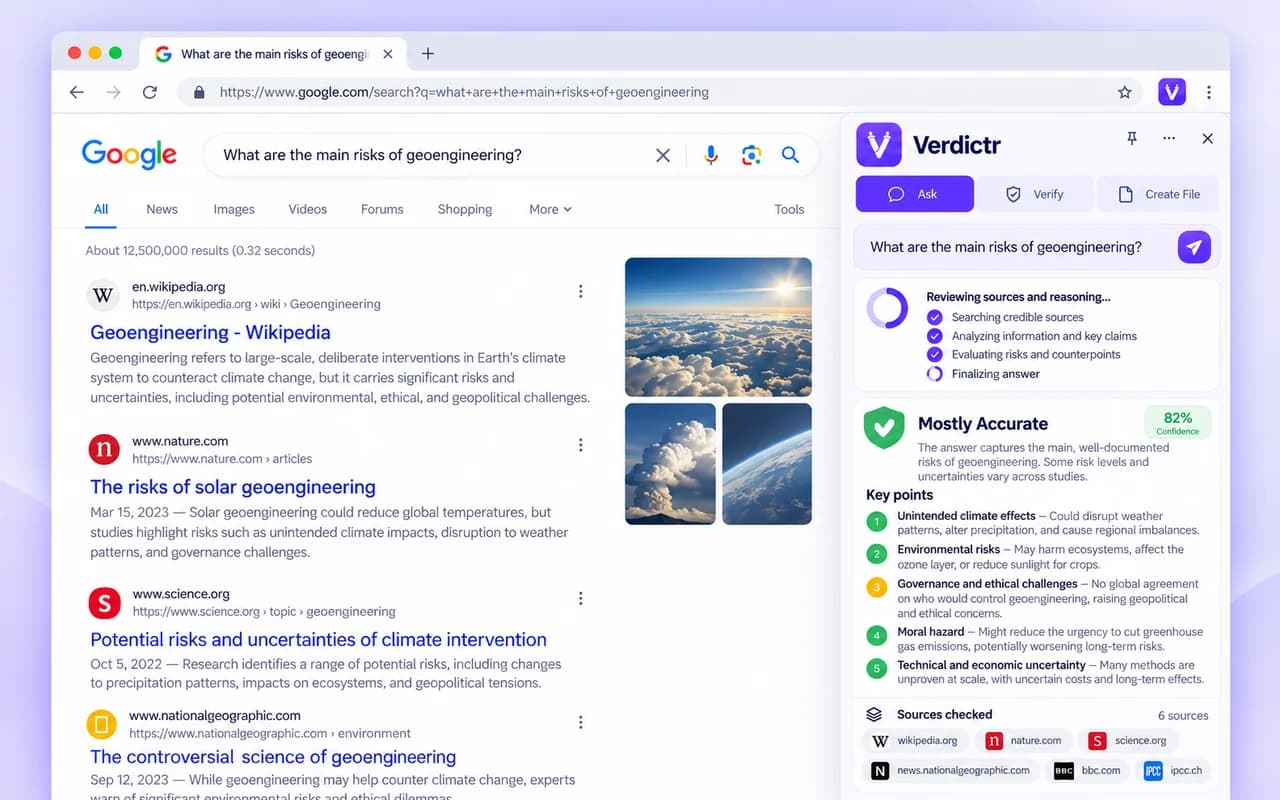
01 / ASK
Ask AI without leaving your tab.
Use selected webpage text as context for a question and get a reviewed AI-generated answer from Verdictr.
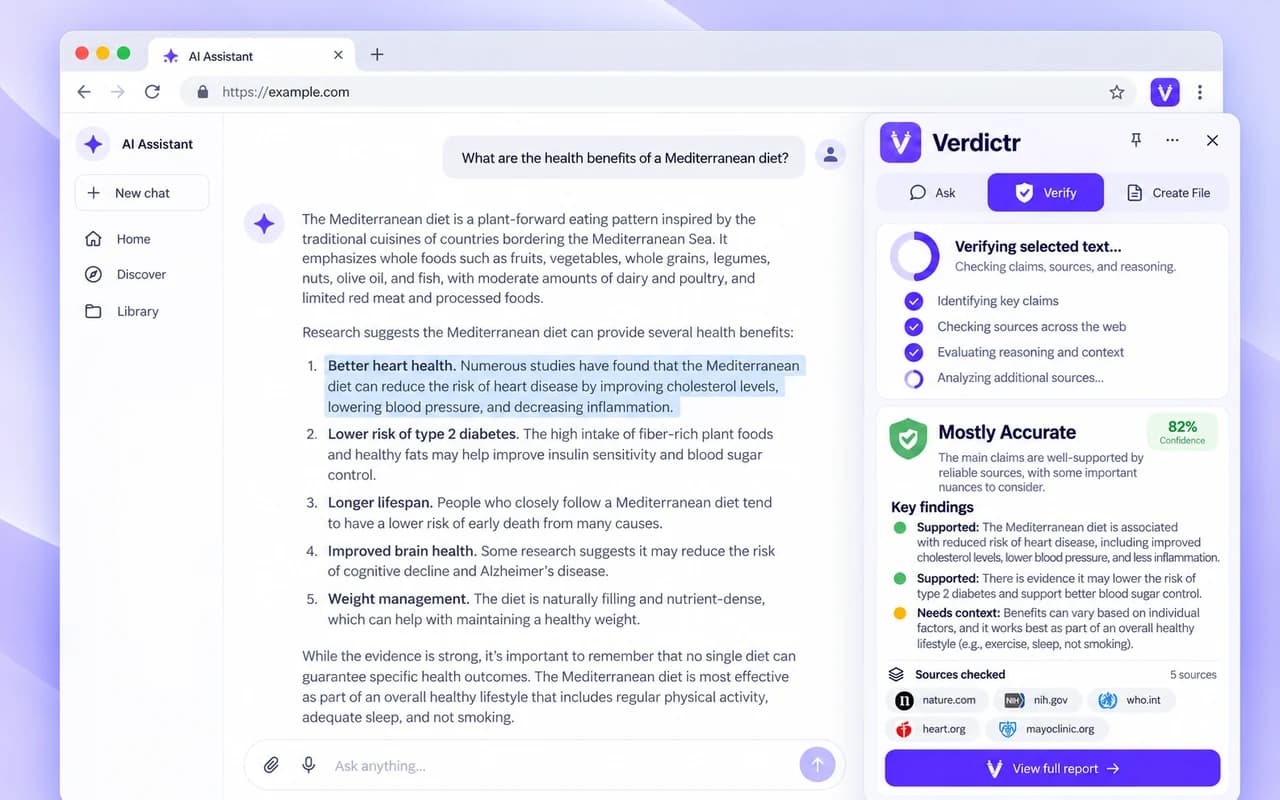
Fact-check ChatGPT answers, verify selected text, ask questions, and create files without switching between tabs. Everything works from Chrome's Side Panel.
Available in the Chrome Web Store · Uses your Verdictr account
Verdictr works alongside the webpage you are already using, instead of making you copy everything into another tab.
Use selected webpage text as context for a question and get a reviewed AI-generated answer from Verdictr.
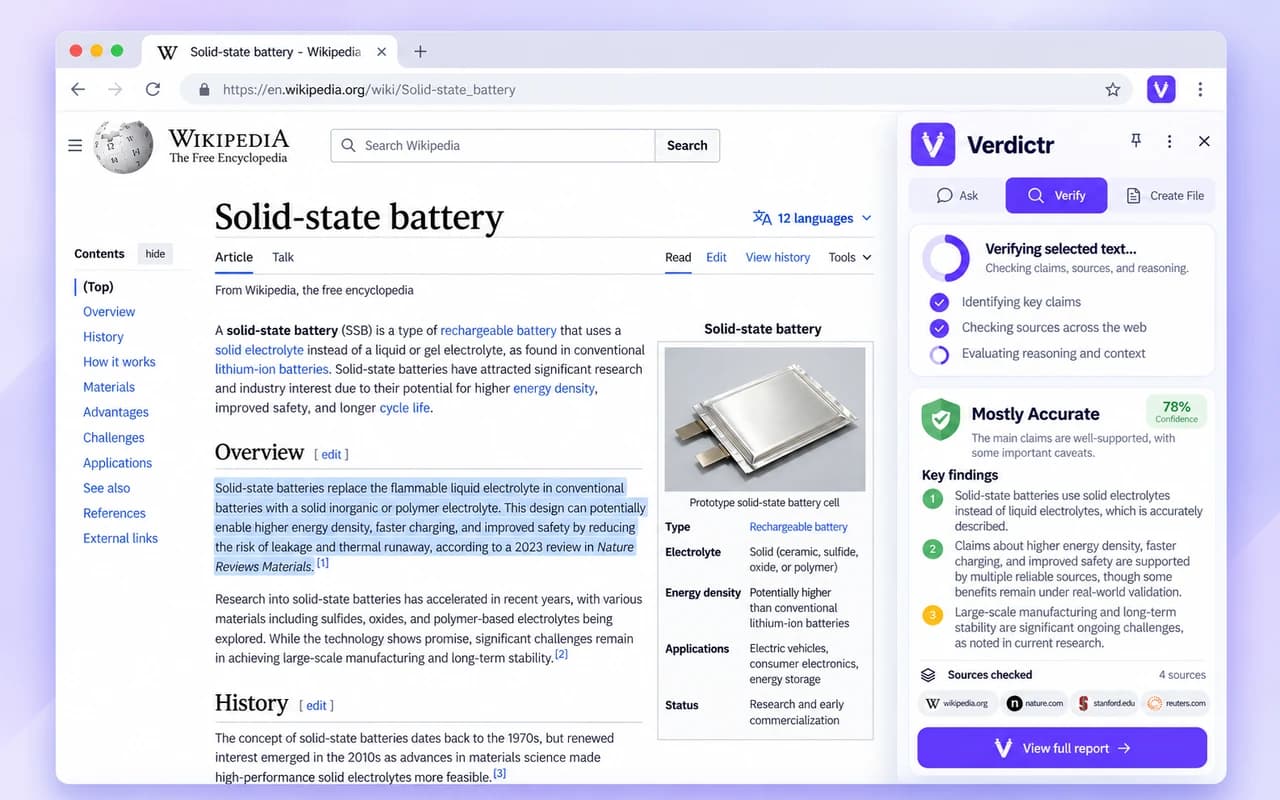
Select a claim or an AI-generated response and start a verification run. Review evidence, calculations, material issues, and uncertainty.
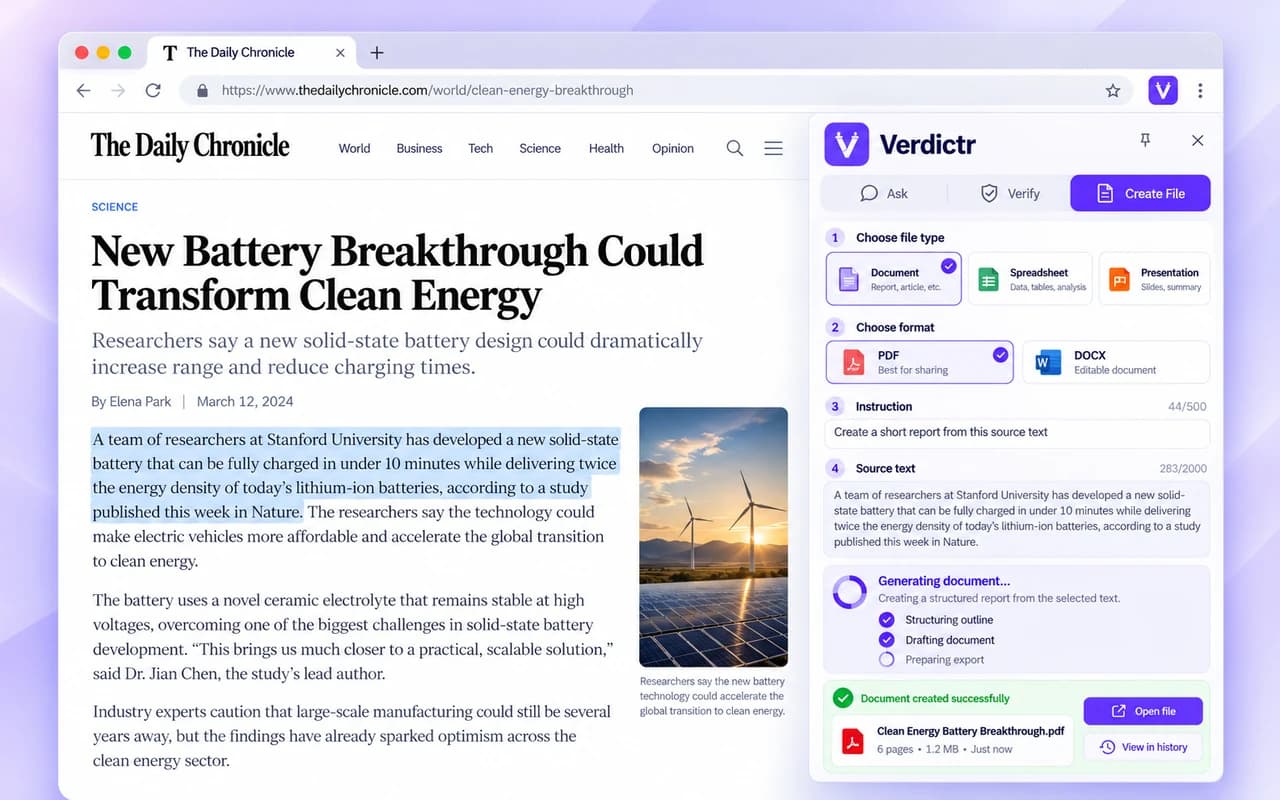
Create documents, spreadsheets, PDFs, or presentations from instructions and relevant source material, then download the result.
Open the official Chrome Web Store listing and add Verdictr to your desktop browser.
Sign in to your Verdictr account, then highlight text on a webpage or start with your own question.
Choose a workflow and review the result from the side of your browser. You can return to saved work in History.
Generated text can sound convincing while containing incorrect calculations, outdated claims, fabricated citations, or conclusions that the evidence does not support. Verdictr's VERIFY workflow is built to examine those issues—and preserve uncertainty when there is not enough evidence.
“$1.2M ÷ $400K = 2× ARR.”
$1.2M ÷ $400K = 3× ARR
Claim contradicts the supplied numbers.
It brings Verdictr's ASK, VERIFY, and CREATE FILE workflows into Chrome's Side Panel. You can use selected text as context while keeping the original page visible.
Yes. You can select text from an AI response or another webpage and explicitly send it to VERIFY. Verdictr does not automatically fact-check every page you visit.
Yes. Sign in to your Verdictr account in the extension. Your existing plan and its usage limits also apply when using the Chrome extension.
Depending on the request and the available features of your plan, Verdictr supports DOCX, PDF, XLSX, CSV, and PPTX outputs.
No. AI-assisted verification can identify errors and unsupported claims, but it cannot guarantee correctness. Always check original sources before relying on important conclusions.
Bring Verdictr into Chrome and keep your questions, checks, and files within reach.